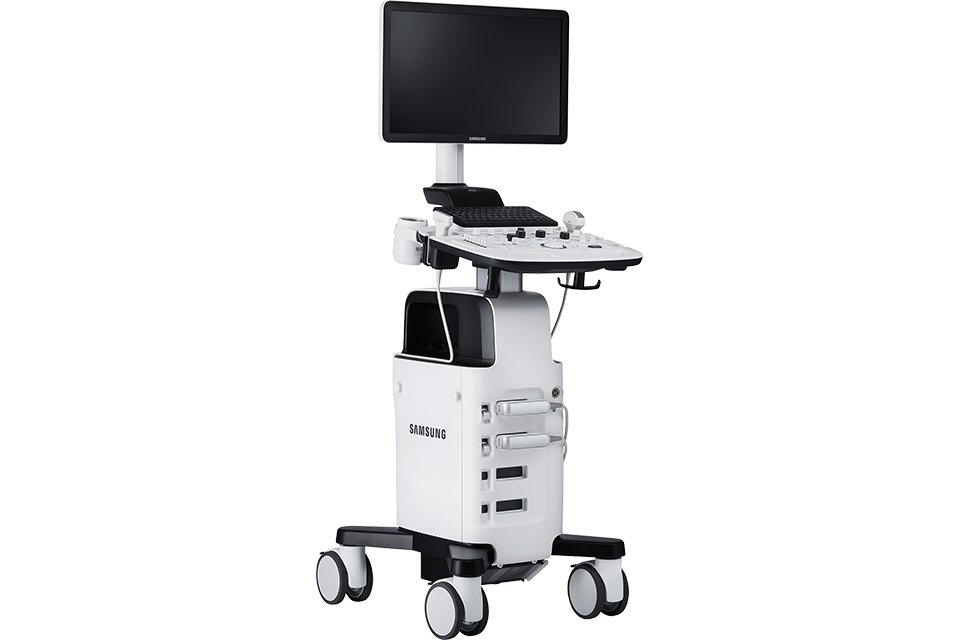
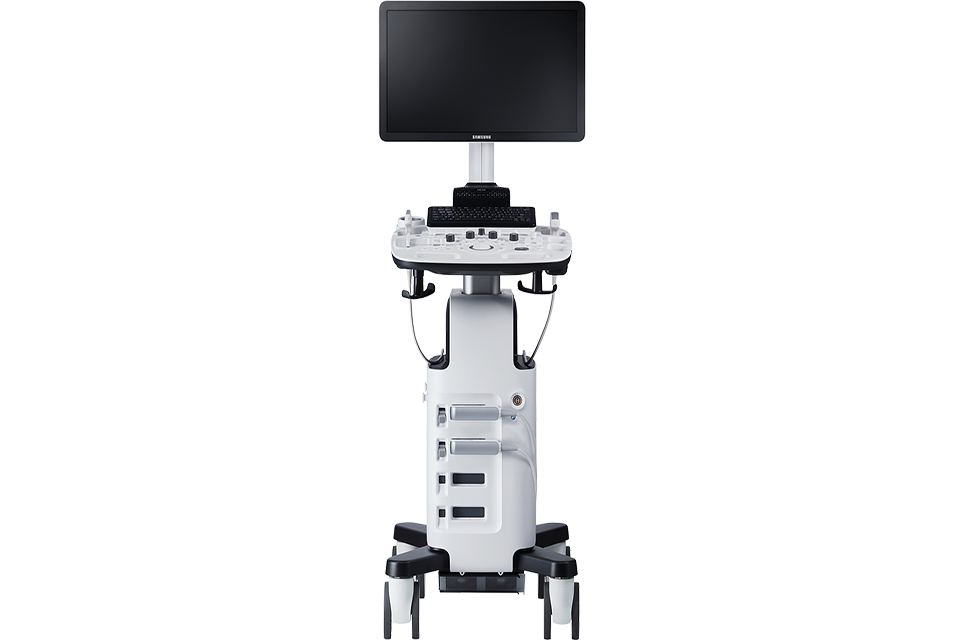
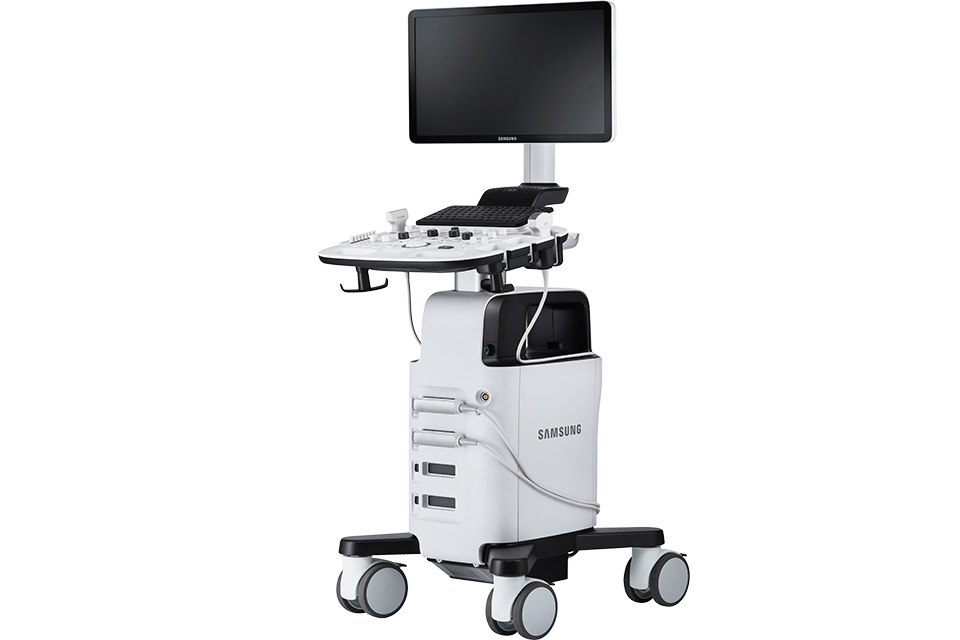
Samsung HS30 delivers a clear view and its basic tools are equipped to provide effective care and help necessary examination with versatile features.
Clear imaging technologies
ClearVisionTM
The noise reduction filter improves edge enhancement and creates sharp 2D images. ClearVision provides application-specific optimization and temporal resolution in live scan mode.
S-HarmonicTM
S-Harmonic™ using pulse inversion technology improves image clarity, near to far. Reducing signal noise, S-Harmonic™ provides more uniform ultrasound images.
S-FlowTM
S-Flow™, a directional Power Doppler imaging technology, can help to detect even the peripheral blood vessels.
MultiVisionTM
MultiVision™ is an advanced imaging technology that electronically controls the ultrasound beam via steering and combines multiple scan lines to improve image quality.
Enhanced tools
ElastoScan™
ElastoScan™ is a diagnostic ultrasound method for imaging tissue elasticity. A function that detects the presence of solid matter in tissues and subsequently converts the stiffness into color images.
NeedleMate+™
It ensures precise needle guidance during punctures and nerve blocks. The deflection of the ultrasound beam further enhances the accuracy and efficiency of this procedure. The guidance beam allows for the adjustment of the linear ultrasound image and improves the visibility of the needle when the angle of insonation and the needle are perpendicular to each other.
PanoramicView™
It displays an expanded field of view, allowing users to explore a wider area. Panoramic viewing also supports angular scanning using data obtained from linear and convex sensors.
Higher Efficiency
EzExam+™
EzExam+™ allows the user to create custom, predefined protocols and helps ensure that the entire examination is performed without the risk of omitting an image, a loop, a parameter measurement, or a probe preset change.
EzCompare™
EzCompare™ allows you to access previous exams and compare corresponding slices side-by-side on the screen. EzCompare™ automatically adjusts image settings, annotations, and body markers based on the previous exam.
User-friendly design
LED Monitor 21,5"
The 21.5-inch Full HD LED display offers excellent contrast, a clear picture, and vivid colors.
Rear Tray
The rear tray provides storage space for an endocavity probe or other items.
Keyboard & Keyskin
The keyboard's design facilitates quick operation and optimizes the work environment. Keyskin for the keyboard and control panel protects the controls and prevents them from getting dirty.
Gel warmer
The two-stage gel temperature control keeps the ultrasound gel at a comfortable temperature.
Transducer cable hangers
Users can arrange the transducer cables on the hangers on either side of the system.
Side pocket
The side pockets are ideal for storing tablets, patient charts, or other items that the ultrasound technician needs to have on hand.
Gallery
Please fill out the form below. We will gladly send you the requested information or a quote.